


Agentic AI
How Agentic AI Reduces Engineering Workload by 50% (Real Data & Frameworks)
Engineering leadership is currently facing a productivity paradox. Despite having more sophisticated tools than ever, software engineers are spending less time actually building. According to data from various industry studies, the average developer spends roughly 60% to 70% of their time on "non-coding" activities, things like manual testing, triaging bugs, and managing documentation.
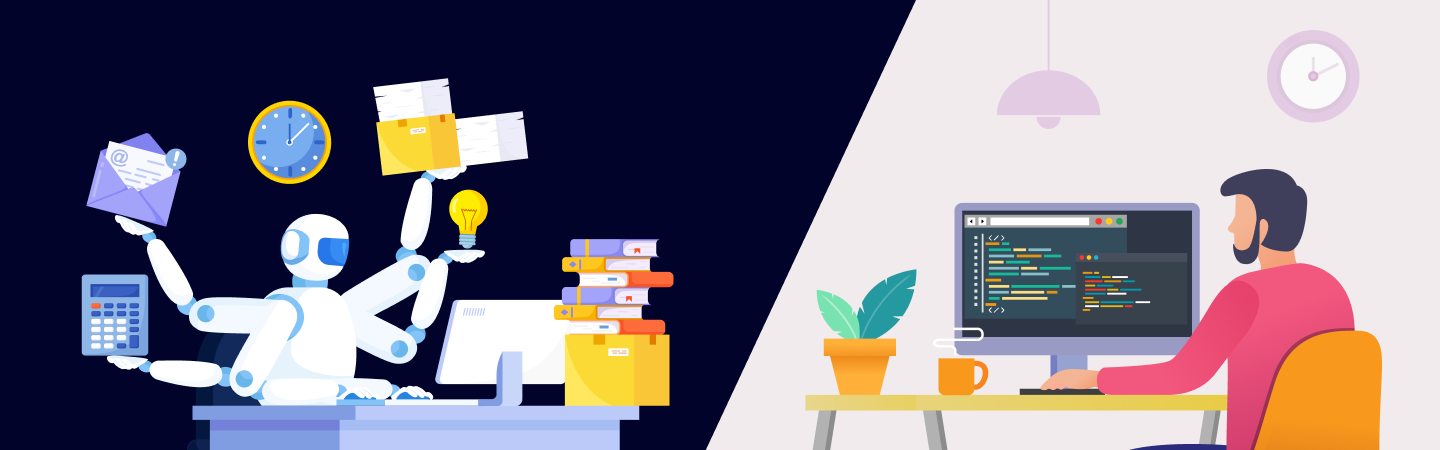
This is where agentic ai for engineering processes enters the picture. Unlike basic AI assistants that suggest words, Agentic AI acts as a digital teammate that can execute entire workflows. By shifting from human-only execution to an "AI-augmented" model, companies are beginning to see a path toward cutting routine engineering workloads in half.
Why Engineering Teams Are Overloaded Today
The "bottleneck" in modern software isn't usually the writing of the code, it is the maintenance and validation that follows.
Typical engineering toil
Most senior engineers cite toil as their primary source of burnout. This includes:
- Manual Reviews: Spending hours checking code for style and basic errors.
- Documentation Debt: Keeping technical guides updated as the product changes.
- Issue Triage: Sorting through hundreds of bug reports to identify which are critical.
The Cost of Human-Only Processes
When every single step of a workflow requires a human, the system slows down. Research shows that frequent context-switching, moving from coding to answering a support ticket and back, can cost a team up to 40% of its productive time. This delay is a major driver behind the push for ai for dev productivity.
What Is Agentic AI for Engineering?
To understand how a 50% reduction is possible, we have to look at how these systems differ from the AI tools we used last year.
- Traditional Automation (RPA): Follows a fixed script. If the screen or code changes slightly, it breaks.
- AI Copilots: These are autocomplete tools. They help you write faster, but you are still the one doing all the thinking and clicking.
- Agentic AI: These systems are goal-oriented. You give them a result you want (e.g., "Find why the login page is slow and propose a fix"), and the agent uses its own reasoning to investigate the code, find the bottleneck, and present a solution.
Role Examples
In agentic ai development, we give agents specific jobs:
- The Triage Agent:Reads incoming bugs and labels them.
- The Test Agent:Automatically writes tests to make sure new code doesn't break old features.
- The Doc Agent:Writes the "What's New" section for every update.
Real Data: Where the 50% Comes From
The claim of a 50% reduction isn't a guess; it is based on how much of the engineering lifecycle is actually manual labor.
Industry Benchmarks
Reports from McKinsey indicate that for common tasks like code refactoring and document generation, AI can reduce the time taken by up to 20% to 50%. For highly repetitive areas like unit testing, some firms are reporting even higher gains. Research from NTT DATA suggests that AI assistants can handle up to 70% of certain IT workloads, freeing up humans for higher-level design.
How to Compute Workload Reduction
You can estimate your own team's savings by looking at your toil hours.
If your team spends 100 hours a week on manual testing and triage, and an agent can handle 80% of that with 90% accuracy, you effectively gain back 72 hours of engineering time.
A Repeatable Framework to Cut Engineering Workload
Transitioning to ai agents for engineering works best when done in phases over 90 days.
- Phase 1 (Days 1-30): The Audit. Identify the low-hanging fruit. What tasks do your engineers complain about the most? Usually, it is documentation or ticket management.
- Phase 2 (Days 31-60): The Pilot. Deploy read-only agents. These agents analyze your data and give suggestions but don't change any code yet. This builds trust in the system.
- Phase 3 (Days 61-90): The Integration. Move to active agents. These agents start performing tasks like generating pull requests or fixing simple security vulnerabilities under human supervision.
Get in touch to discuss agentic AI development for SaaS, built for scale, security, and real-world workflows.
Explore More
10 Practical Agent Types & Their Impact
| Agent Type | Main Job | Estimated time saved |
|---|---|---|
| PR Summarizer | Explains complex code changes to reviewers. | 2–3 hours/week |
| Test Writer | Creates "unit tests" for every new feature. | 10+ hours/sprint |
| Bug Triager | Matches bugs to the right developer. | 15% faster response |
| Doc Specialist | Keeps technical manuals in sync with the code. | Constant accuracy |
| Security Guard | Scans for vulnerabilities before they are live. | 100% of commits |
| CI/CD Fixer | Fixes small errors that break the build. | 5 hours/week |
| Feature Scaffolder | Sets up the "boilerplate" for new projects. | Saves days of setup |
| Infrastructure Agent | Helps set up cloud servers via code. | 30% faster deployment |
| Feedback Analyzer | Summarizes user feedback into technical tasks. | 4 hours/week |
| Incident Logger | Automatically creates reports after a crash. | 2 hours/incident |
Off-the-shelf agents handle generic tasks, basic chat, and simple automation. They fail when workflows touch proprietary pricing logic, compliance rules, or multi-tool orchestration across 10+ SaaS systems.
Custom architecture becomes your competitive moat. Agents grounded in your specific usage data, pricing model, churn signals create defensible advantages. Internal teams lack AI architecture expertise, so most high-growth SaaS companies partner with specialists who understand both agent systems and SaaS scale.
The best approach combines platforms (reusable components) with customization (your secret sauce). Start with proven architecture patterns, specialize for competitive differentiation.
Metrics & KPIs to Track
To know if reduce engineering workload ai strategies are working, you should track these three numbers:
- Cycle Time: How long does it take for an idea to become live code?
- Toil Ratio: What percentage of an engineer's day is spent on maintenance vs. innovation?
- Accuracy Rate: How often do human engineers have to fix what the AI agent did?
Implementation Risks & Mitigations
While powerful, agents need rules to stay safe.
- Human-in-the-Loop: For high-stakes tasks (like deleting data or launching a site), a human should always give the final okay.
- Data Security: Ensure the agent only has access to the parts of the code it needs. Using Role-Based Access Control keeps your intellectual property safe.
- Cost Management: Running these agents uses tokens (computing power). It is important to monitor usage so the cost of the AI doesn't exceed the value of the time saved.
How Invimatic Helps
At Invimatic, we specialize in helping companies implement engineering automation with AI agents without the guesswork. We don't just provide software; we provide a roadmap.
Our agentic AI’s powered experts take the toil off your team's plate. We help you identify your biggest bottlenecks, build custom agents to handle them, and set up the guardrails to keep your code secure. Contact us today to learn more.




Your email address will not be published. Required fields are marked *